This Is How I Get Through a Day at Babylon
Time-blocking, batching context switches, and a modal, terminal-first setup on an iPad Pro: how a Principal Engineer protects focus while bouncing between teams.
TL;DR
How do I get through the day:
- Lots of coffee/diet coke
- Focused Time Blocking
- Consolidate context switching into periods between focus time
- Modal UI (full-screen apps ONLY - iPad)
- Avoid Zoom meetings 😉
Overview
I have been at Babylon since September 2018, starting as a contract senior engineer (by choice due to burn-out) with a desire to get back to basics and just write code. That did not last long, as I started to poke my nose into lots of different areas which resulted in getting involved in projects, initiatives that I really should have avoided. But the cool thing about Babylon is the roll up your sleeves and get on with it, which I kind of like. Fast forward to 2022, I am now a permanent member of staff (since March 2021) impersonating a Principal Engineer (I say impersonating as I am still trying to determine what a PE is at Babylon). I generally have a lot of autonomy in my role (in theory), but spend a good amount of my time bouncing between teams, attending meetings, engineering strategy while attempting to write some code here and there. As you can imagine this requires a large amount of context-switching (which can be a productivity killer) and proves to be the real challenge during the day.
In light of this, how does one get stuff done?
Permission to Focus (when you need to focus)
For me, I need to permit myself to focus on something otherwise I will be continually responding to slack and email attempting to unblock my peer engineers; I attempt to focus through time blocking my diary. While as PE this is an important part of my role, it is only PART of my day, therefore I allot small blocks of time (generally between focus blocks) for this purpose. More often than not these smaller tasks will spill over into adjacent focus blocks (as it should), the key for me is that I am reducing the number of context switches.
One nice side-effect of blocking out one’s diary for focused tasks is the reduction in Zoom meetings, as no one can book a slot in your diary 😀 (if only this was the reality), more-over I have seen a minor reduction in the number of meetings I attend and I feel less Zoomed out at the end of the day.
Tools of the Trade
For the last few years, I have been a great believer in ensuring my working environment is tuned to/focused on a single task at a time. This means removing all other distractions allowing me to concentrate on the task at hand.
How do I do this?
For starters, I love working from the terminal with a single screen focus. I use a terminal multiplexer (TMUX) and explicitly switch between screens for different tasks/sub-tasks. This allows me to remain laser-focused on what I am doing, remaining in the moment. This has the added benefit of allowing me to work on any system (local or remote) that supports a TTY terminal.
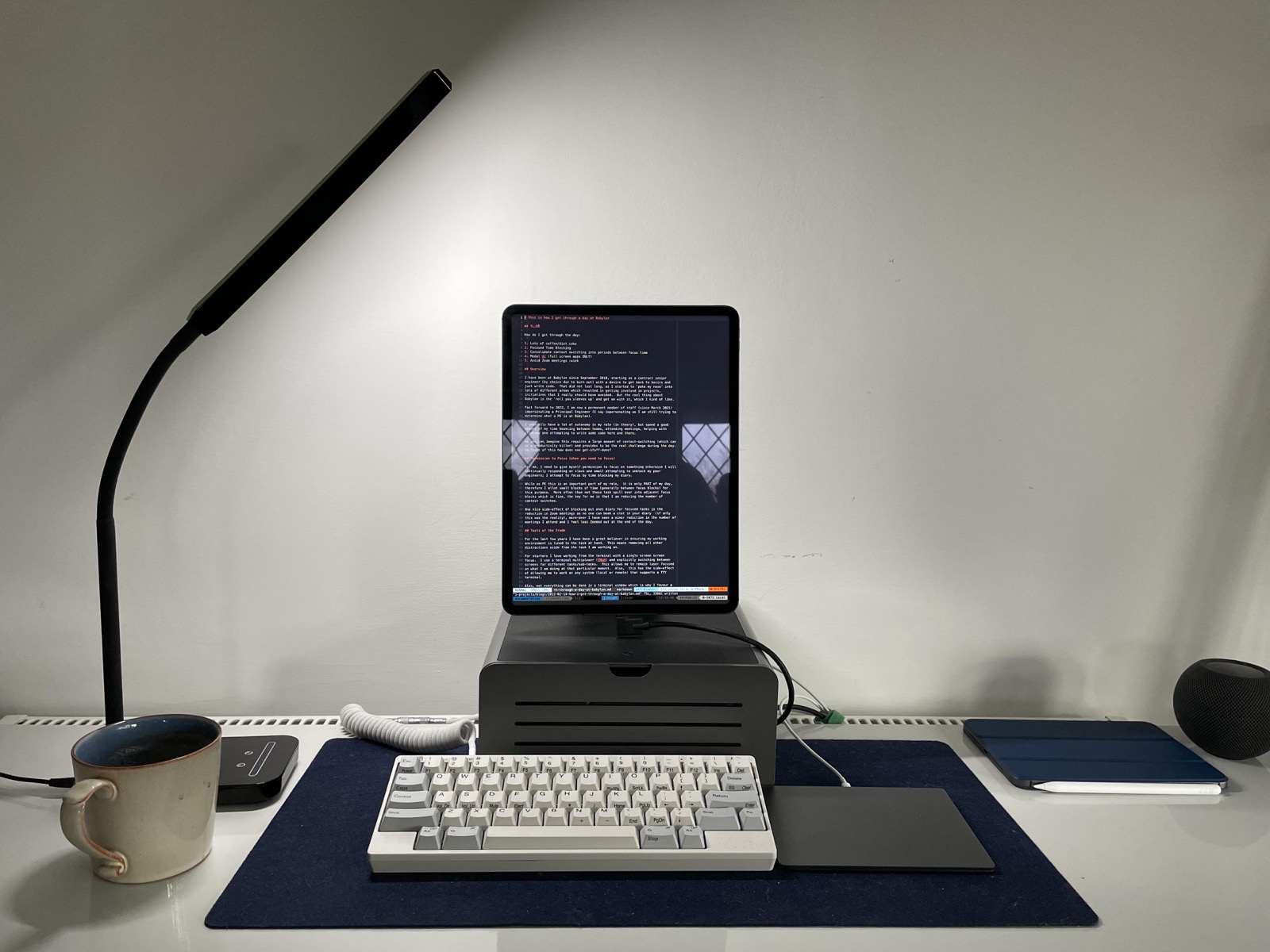
Alas, not everything can be done in a terminal window, which is why I favor a modal environment either using full-screen mode on our company-issued MacBook or relying on my trusty M1 iPad Pro.
Incidentally, over the past 3 years, I have been relying on my iPad Pro to perform 95% of my day job; the iPad Pro uses a terminal emulator (blink.sh) to ssh into my MacBook, thus all work is performed on my company-issued MackBook the iPad is just a screen (kind of). Regardless of the tools, the key takeaway is Modal UI for focus.